
Android app · Available now
My Daily Helper
A little support for everyday life.
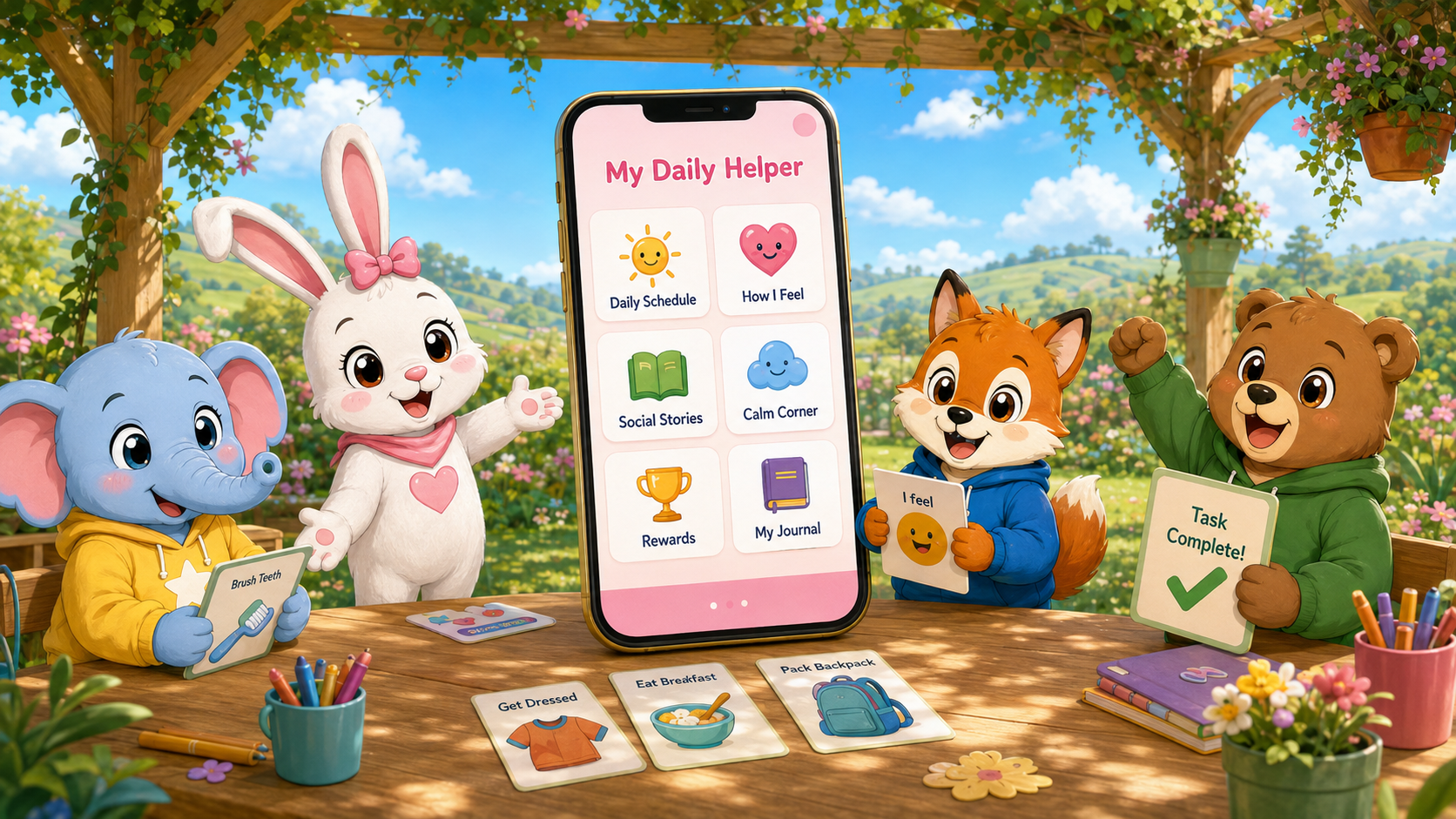
Friendly, customizable tools for children, adults, and the people who support them. Bring communication, visual routines, learning, Helpful Tools, and personalized caregiver support together in one welcoming app. The features below describe the Google Play edition, currently Version 2.0.64, Build 355.
- Communication that feels familiarBuild messages with pictures, typed words, or both in EveryBunny Talks AAC. Personalize Bunny Binders, add cards, and use the included natural female and male offline voices.
- Routines, stories & remindersFollow visual schedules, import routine packs, read Social Stories full screen, and use personal timers. Optional bathroom reminders and sit timers can be set up by a caregiver.
- Learning at your own paceChoose a Hop Level for Reading, Math, Fill in the Blank, Writing & Tracing, How Others Feel, Matching, and Familiar Faces. Caregivers can create lessons and review progress.
- Feelings & calmingCheck in with feelings, explore journals, trace a breathing rainbow, spend time with Bunny Comfort, or listen to My Calm Music.
- Helpful ToolsMake checklists; save text, voice, and drawing notes; take photos and videos with friend and background filters; and organize memories in Bunny Gallery. Optional My Maps opens directions to caregiver-approved saved places in an external map service.
- A day that makes senseToday Dashboard brings useful daily information and shortcuts together. Personal timers, schedules, rewards, and planning tools support everyday moments.
- Caregiver choicesManage child and caregiver profiles, arrange Home cards, and choose which features are available. School Mode can follow selected days and times, with controls for individual tools and related reminders.
- Progress you can understandCaregiver Reports bring together activity, learning progress, timer responses, and school-time usage. Add optional observations and export information to share with the people supporting the user.
- Personal settings & backupChoose a pink or blue theme, adjust speech and notifications, protect caregiver settings with a PIN, and use password-encrypted Backup & Restore. Time-based features follow the device clock.
Still on the way: ABCs, Numbers, and Safety video lessons are in development. Windows software and downloadable Learning Center lesson collections are also coming soon.
More ways to make it your own.Explore Social Stories, Visual Schedules, EveryBunny Talks Cards, My Calm Music, and Voice Packs. Download included resources again or find something new.
View Available Addons →Get My Daily Helper
Available on Google Play. The phone and tablet galleries were captured from Version 2.0.63, Build 354.
Google Play
✓ Available · Version 2.0.64 · Build 355
For compatible Android phones and tablets.

A real look inside
Small moments. More possibilities.
Explore My Daily Helper on a phone and a tablet.
Actual screens captured from the running Android app in phone and tablet emulator layouts. Version 2.0.63 · Build 354 · Fictional demonstration profile. Screenshots were captured before the 2.0.64 optimization update. Device frames are for presentation only.
Made for your everyday moments
Phone screenshots
Swipe or use the arrows to browse all 10. Select a screen to enlarge it.
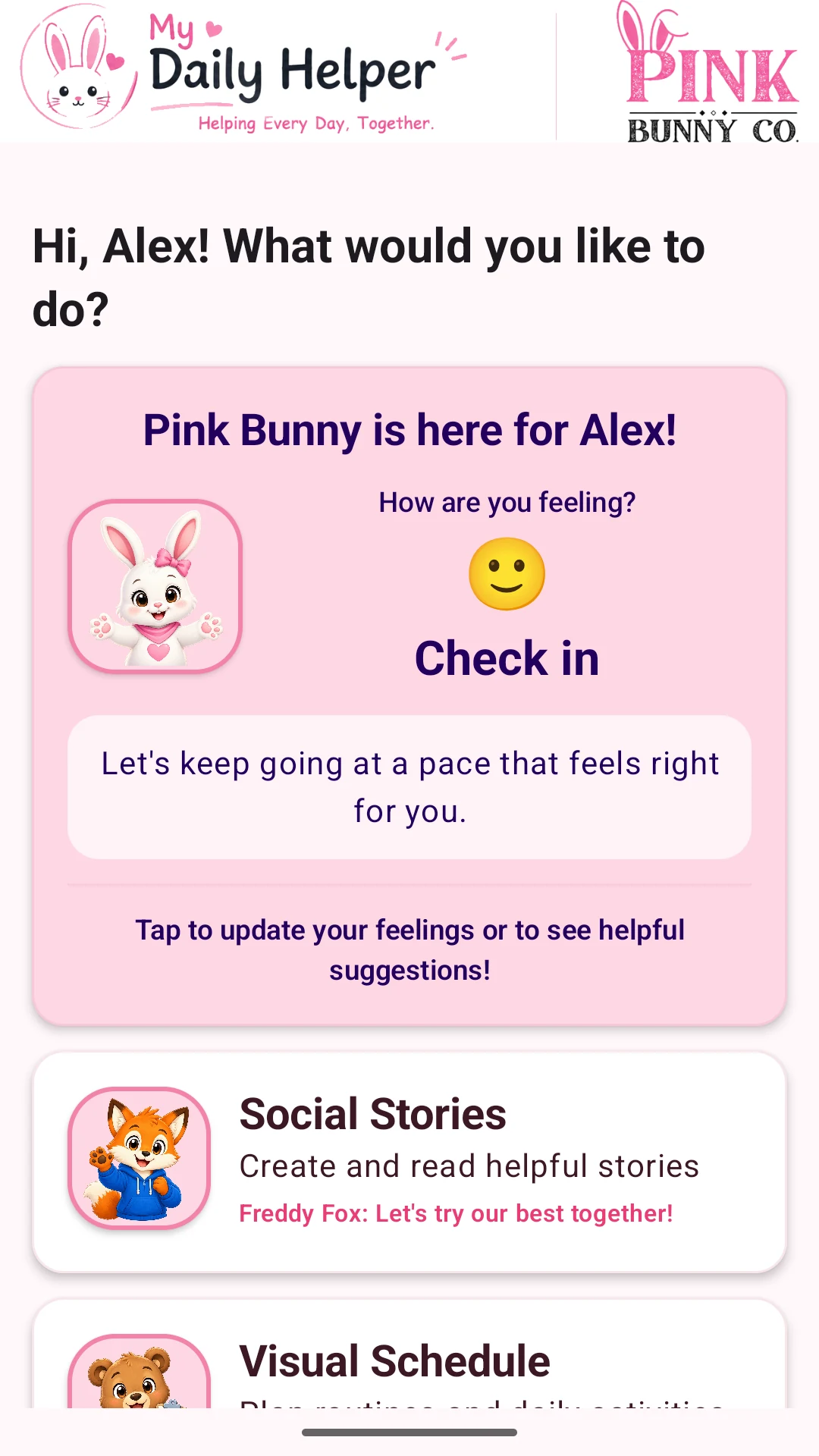 A friendly startA personal greeting and an easy way to check in.
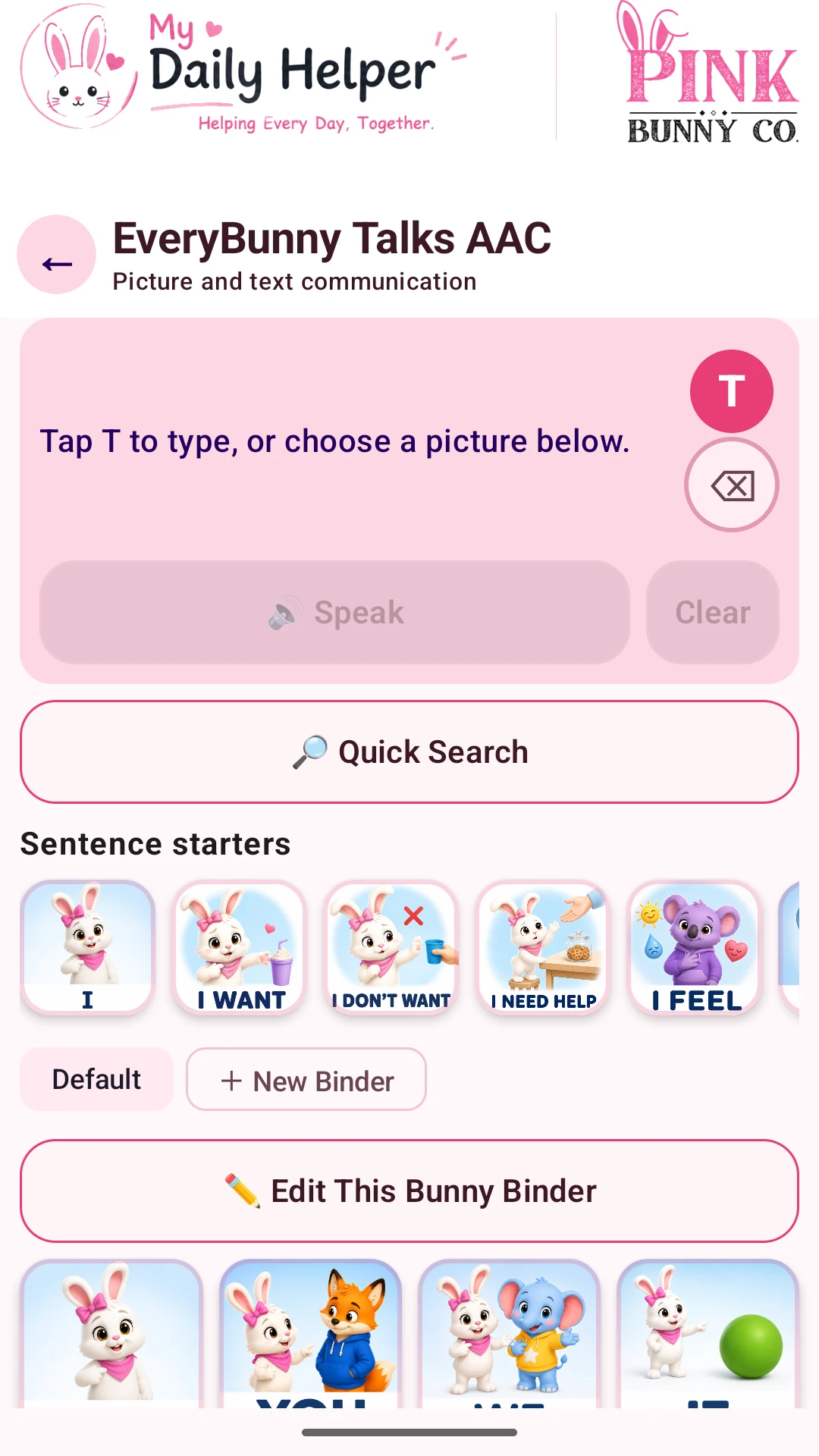 EveryBunny Talks AACPicture cards, words, and familiar Bunny Binders for communication.
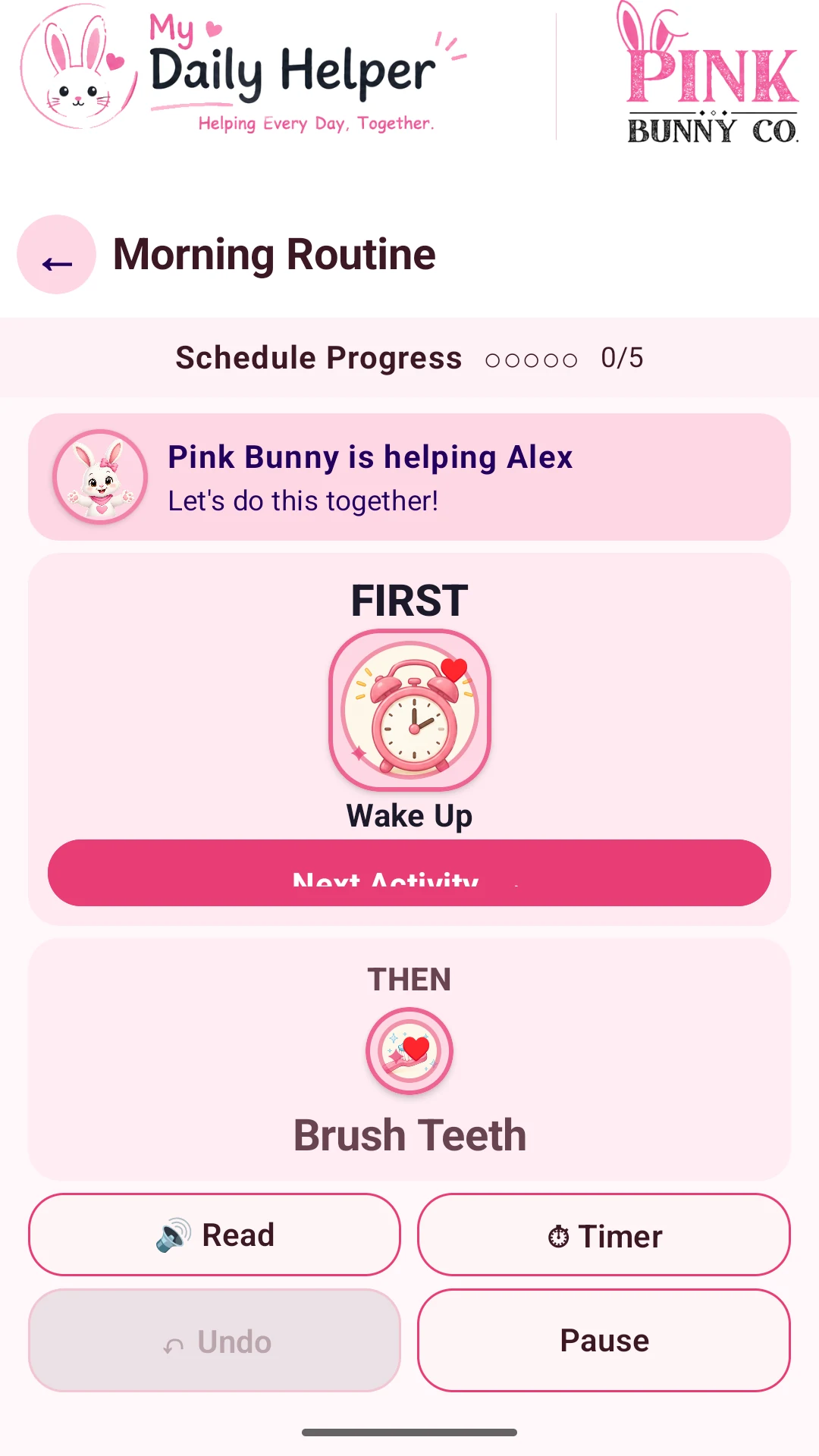 One step at a timeFollow a visual routine with First/Then activities.
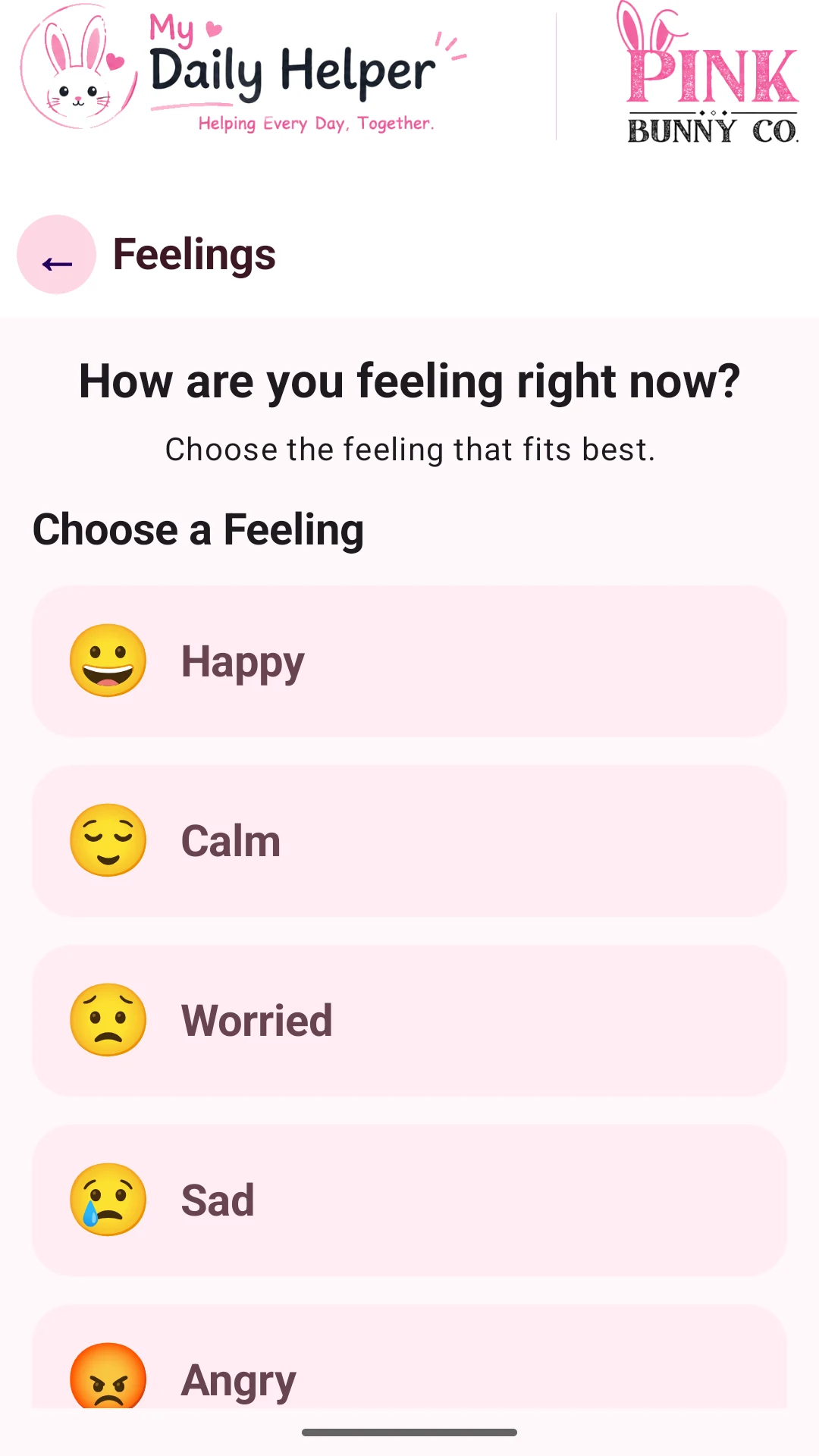 Make room for feelingsChoose a feeling and find a way to express it.
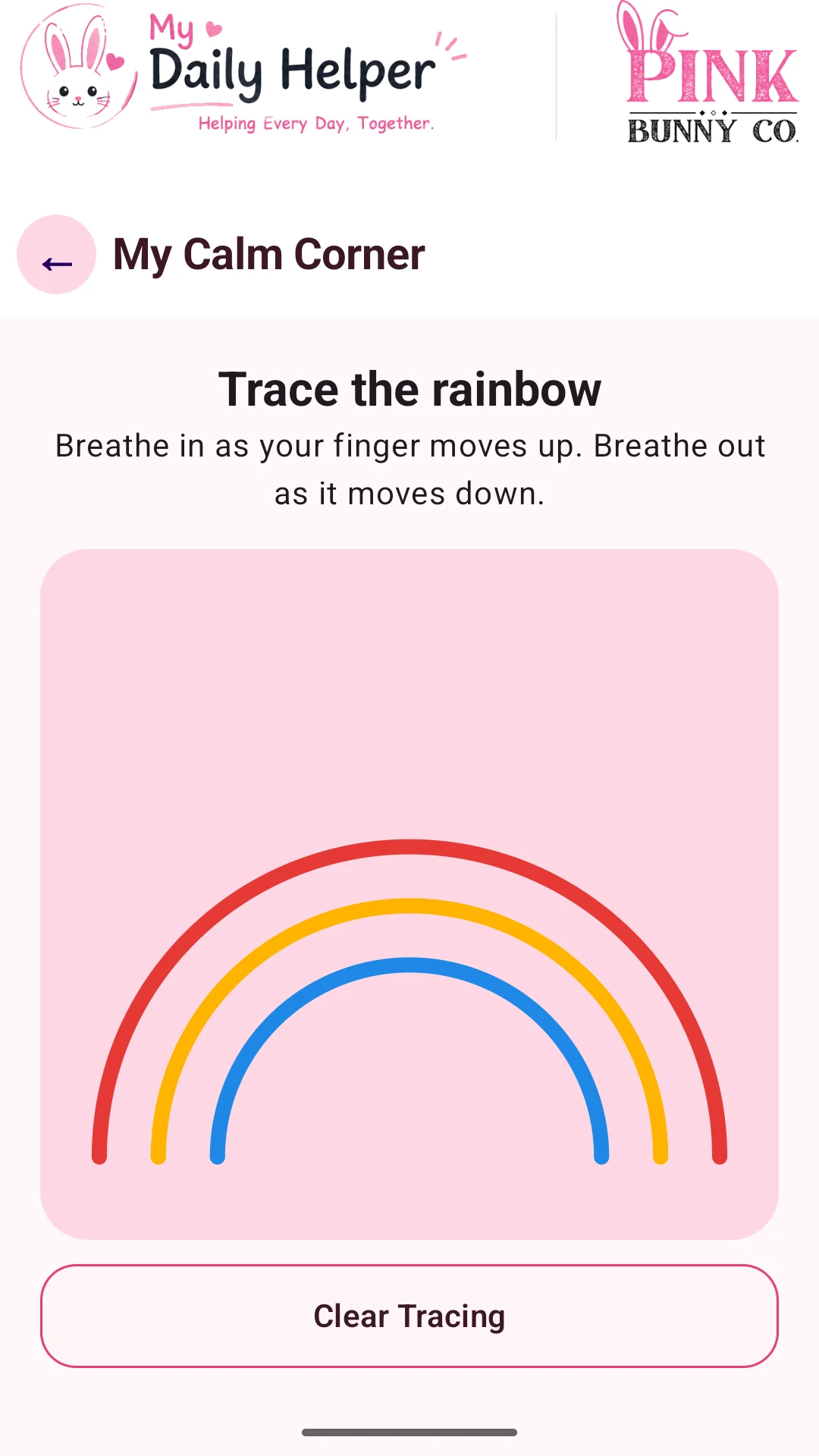 A moment to breatheTrace the rainbow during a calming breathing activity.
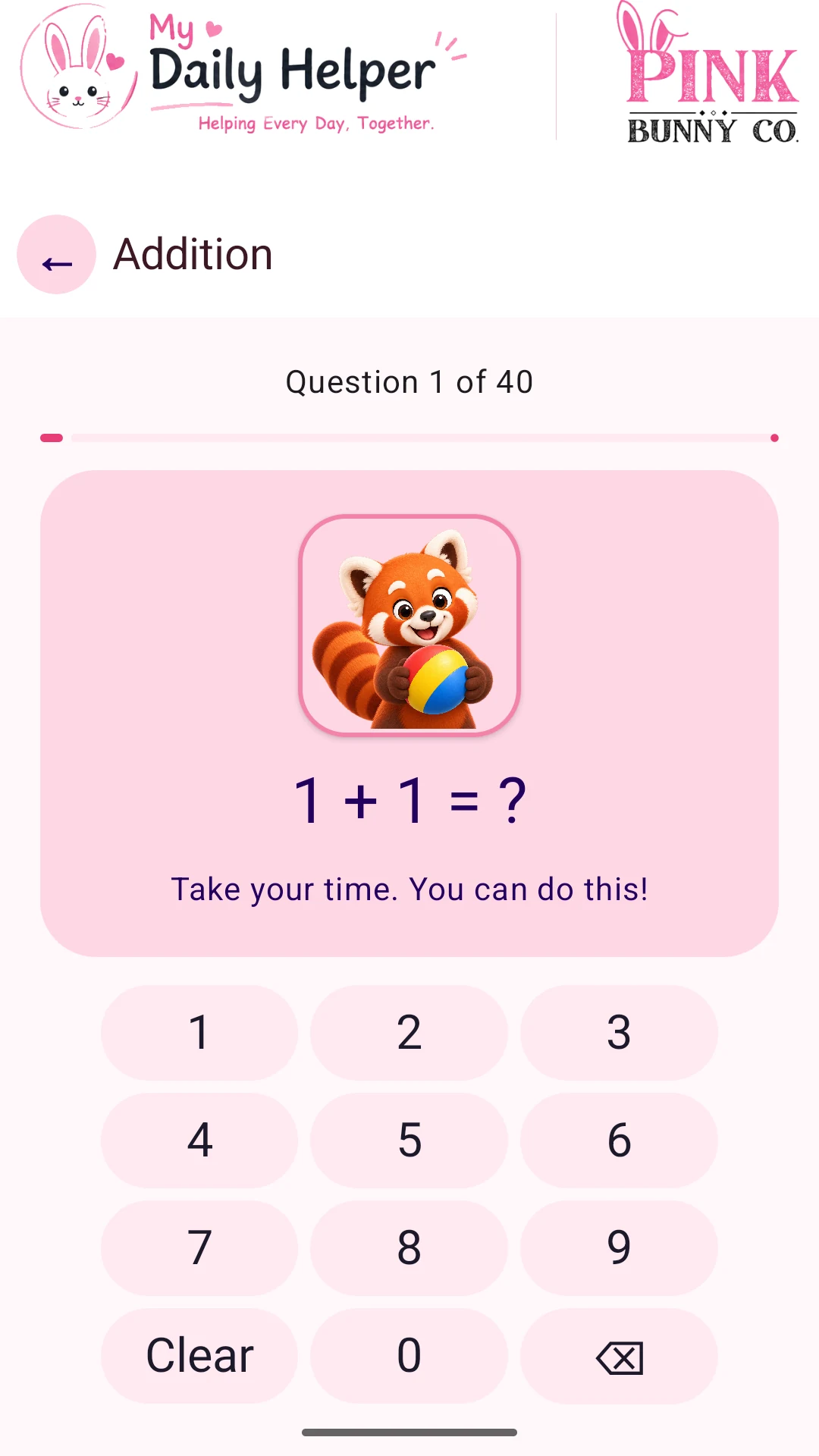 Learn with encouragementPractice math with an on-screen number pad and Daily Helper Friends.
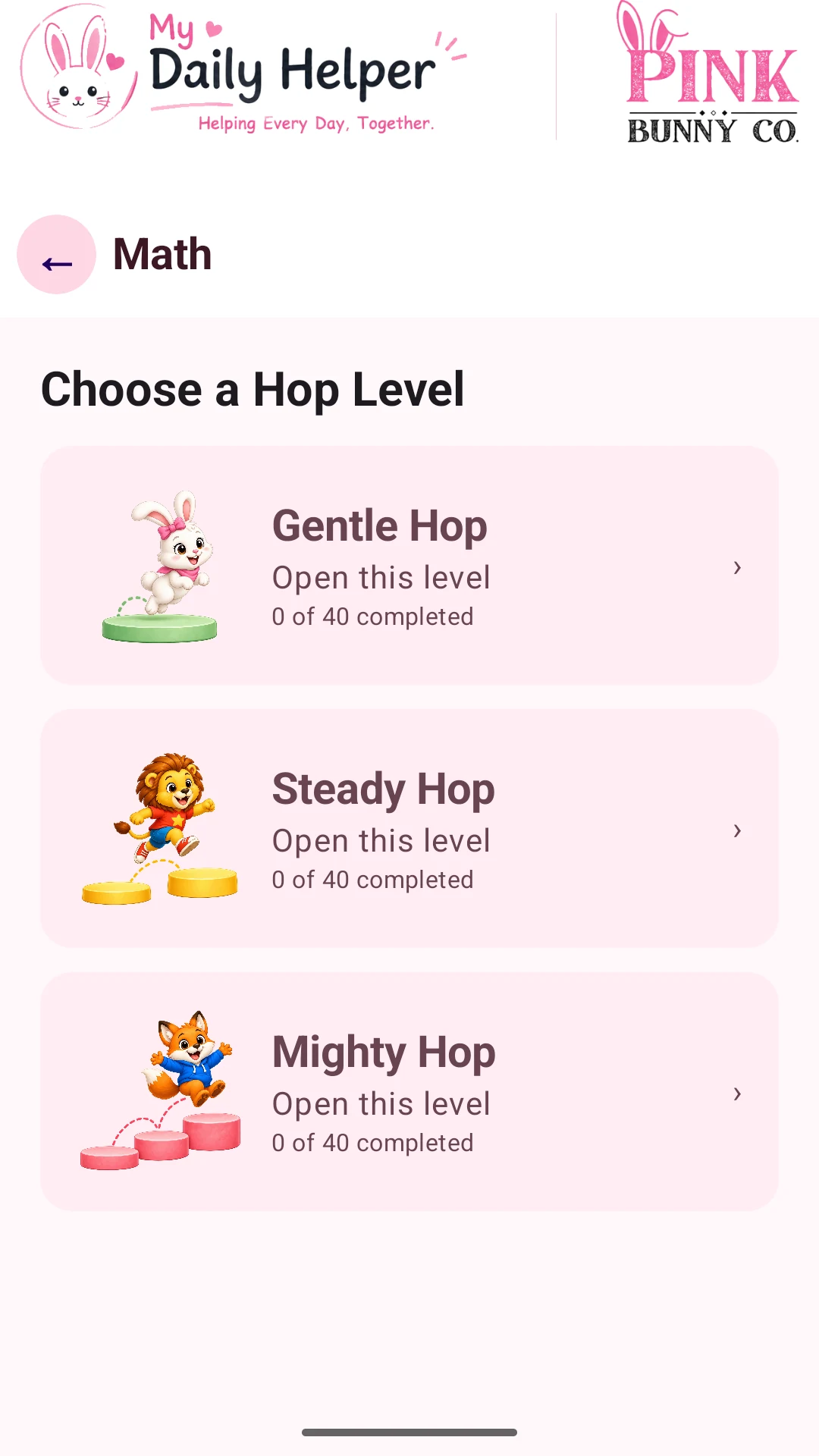 Choose a Hop LevelGentle Hop, Steady Hop, and Mighty Hop offer different amounts of challenge.
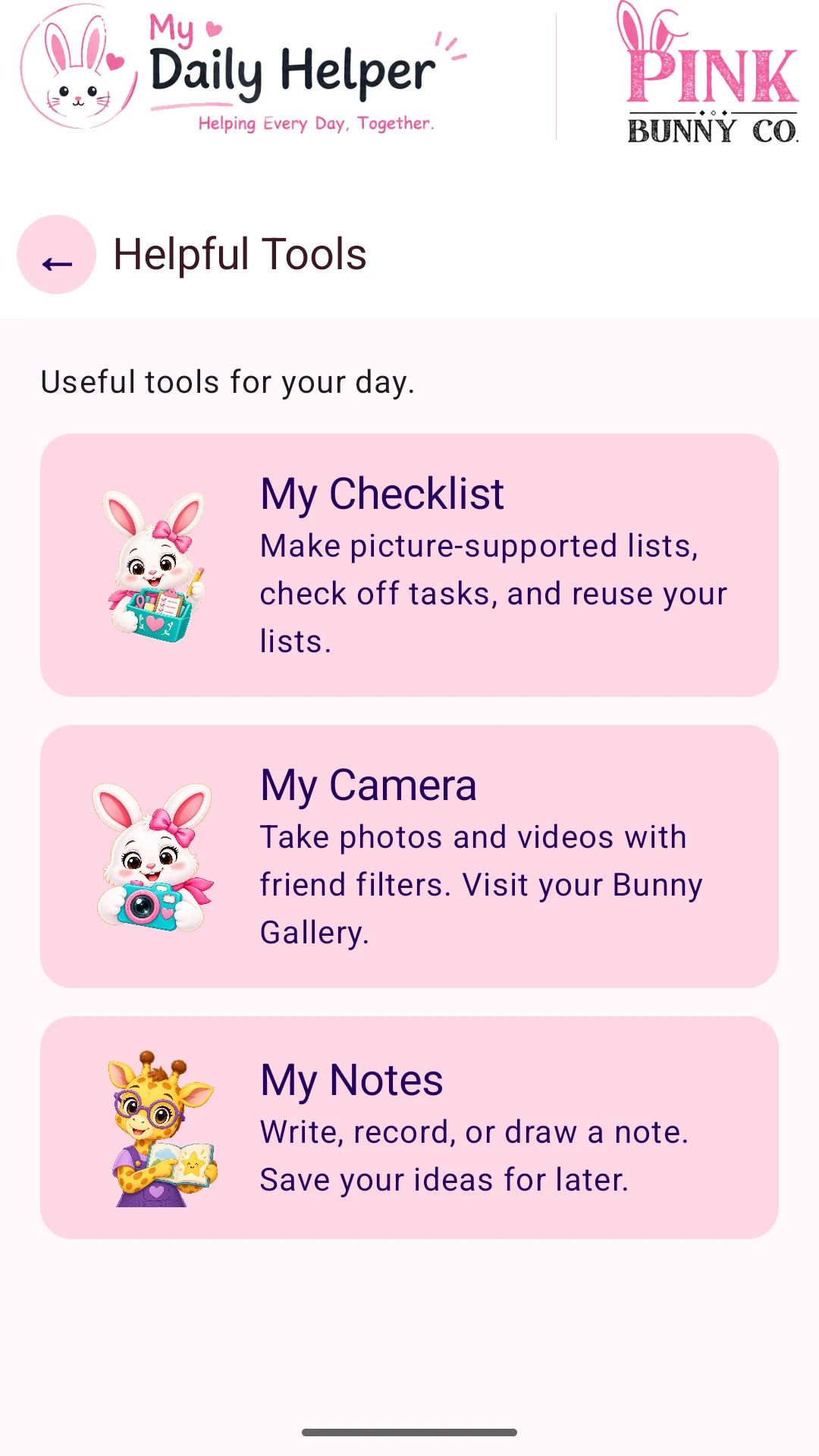 Useful everyday toolsFind My Checklist, My Camera, and My Notes in one place.
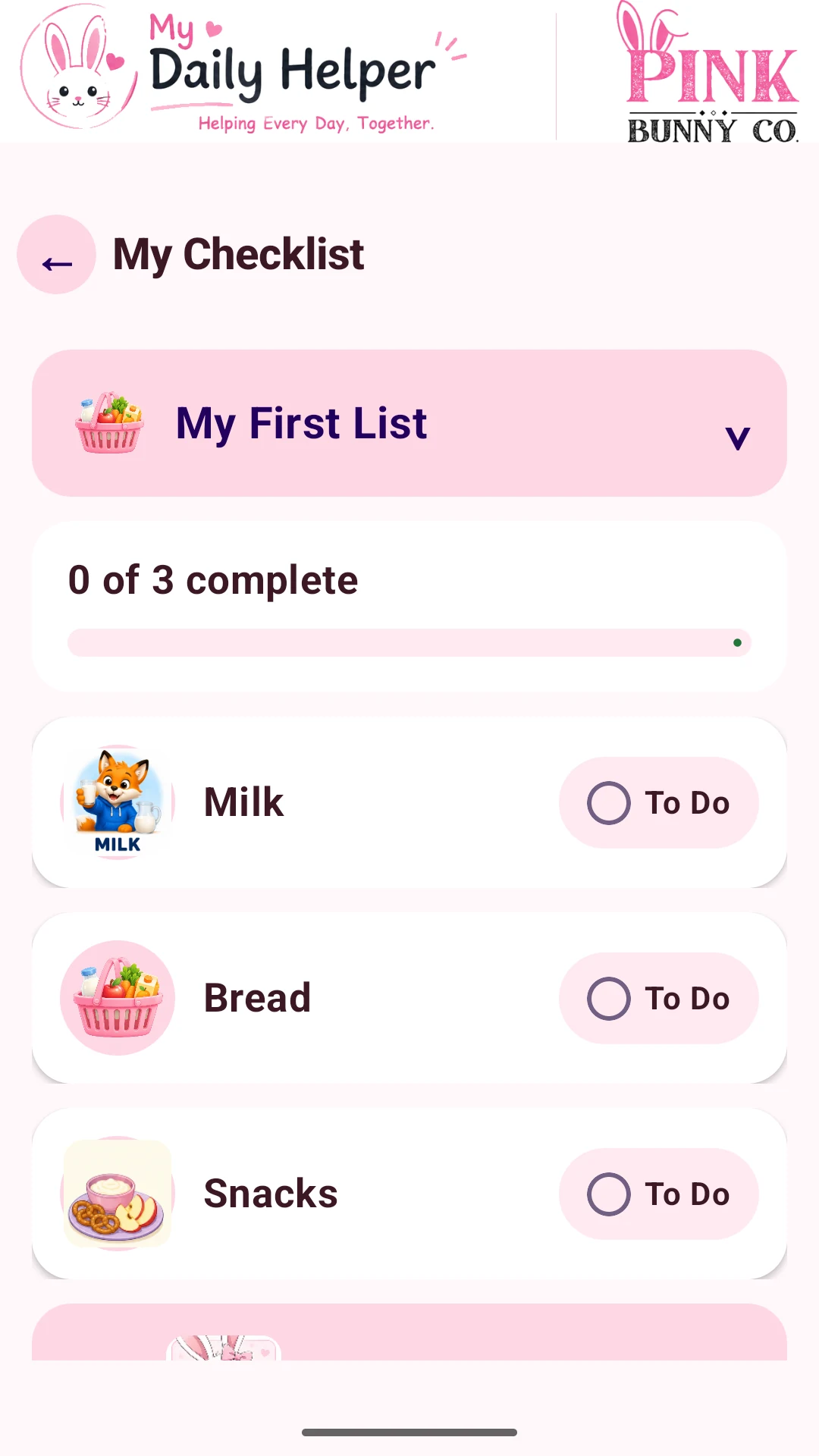 Small steps, useful listsCheck off shopping items, tasks, and other everyday lists.
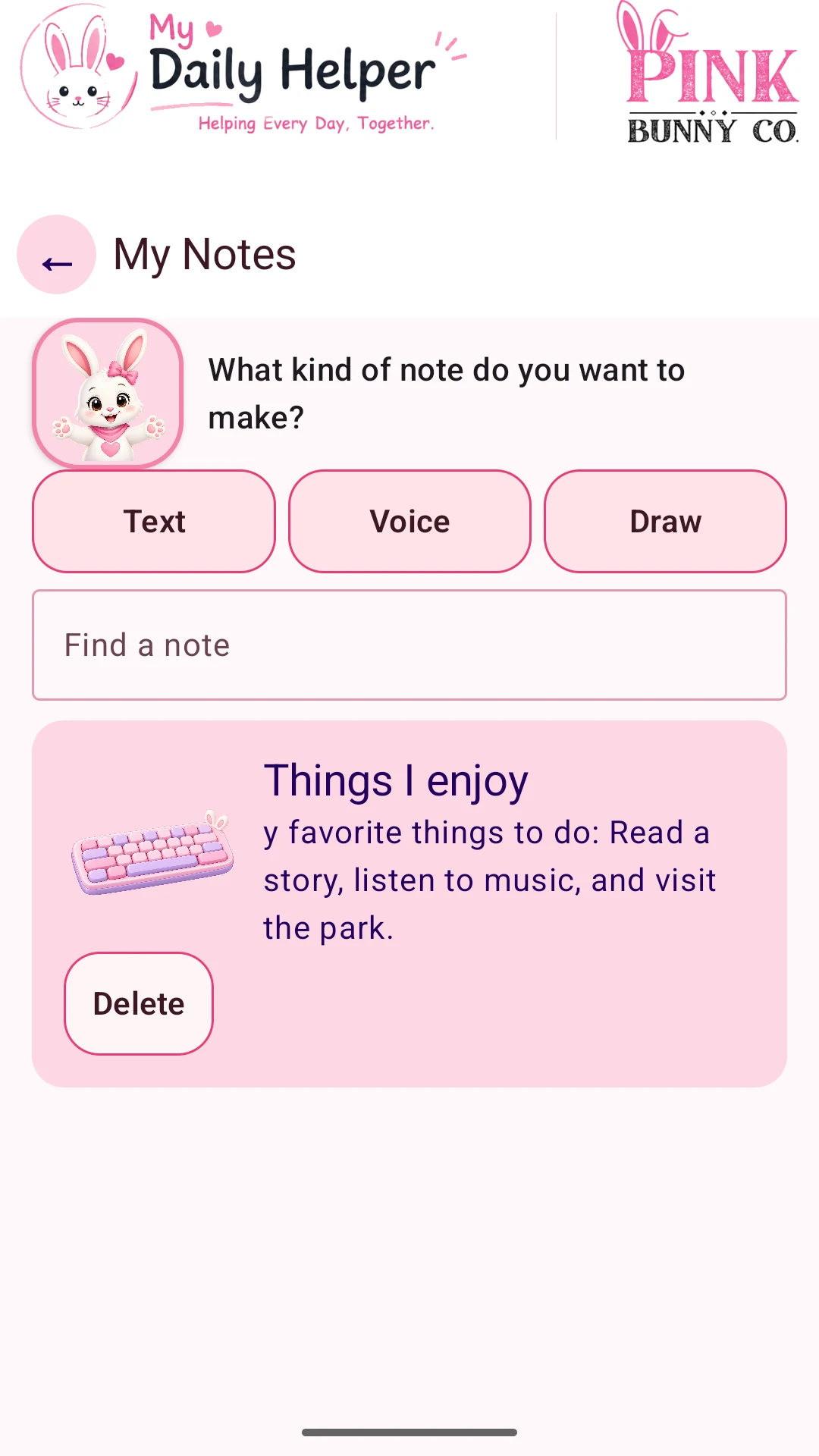 Keep an idea closeCreate text, voice, or drawing notes and find them again.
Made for your everyday moments
Tablet screenshots
Swipe or use the arrows to browse all 10. Select a screen to enlarge it.
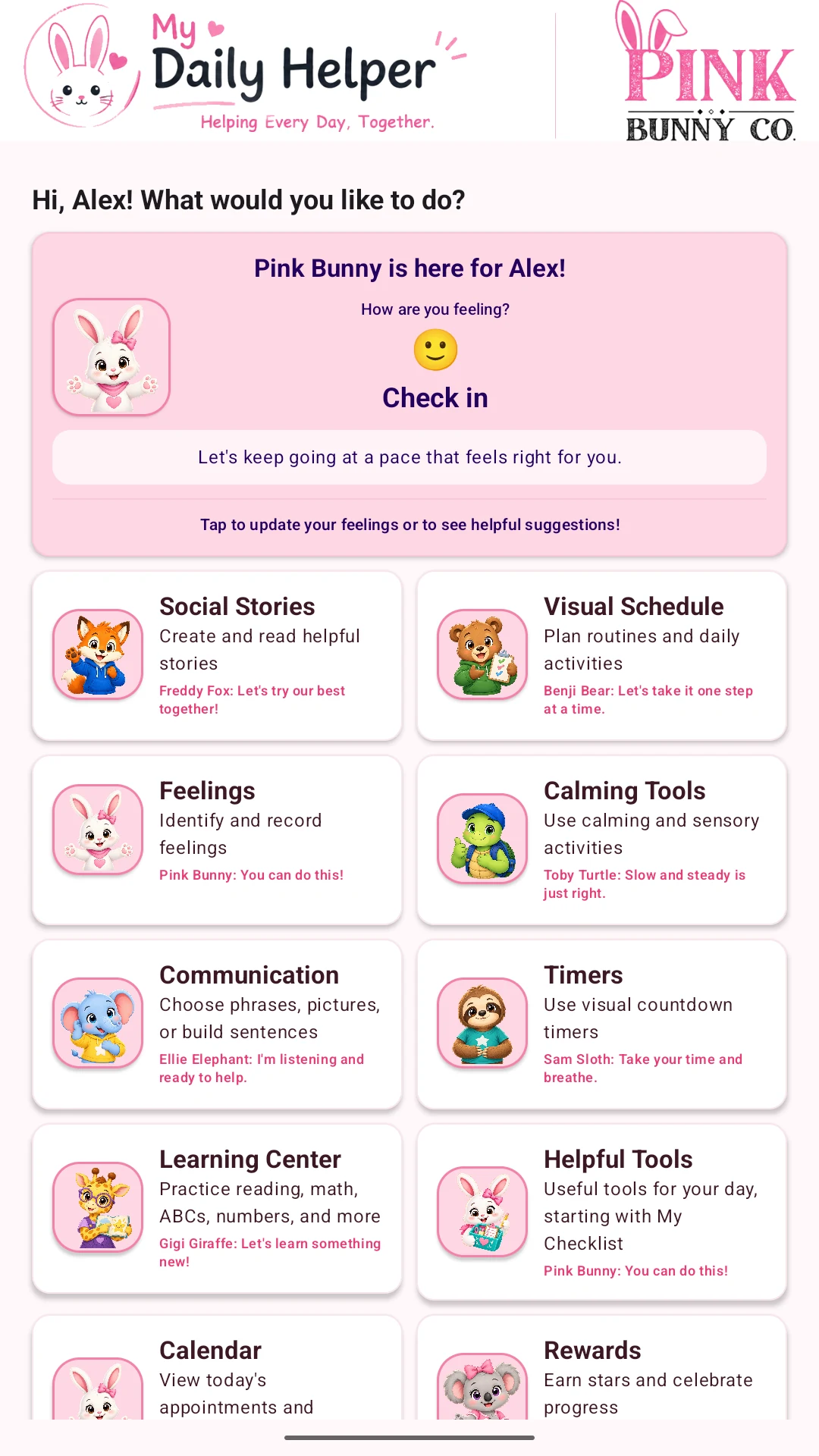 A friendly startA personal greeting and an easy way to check in.
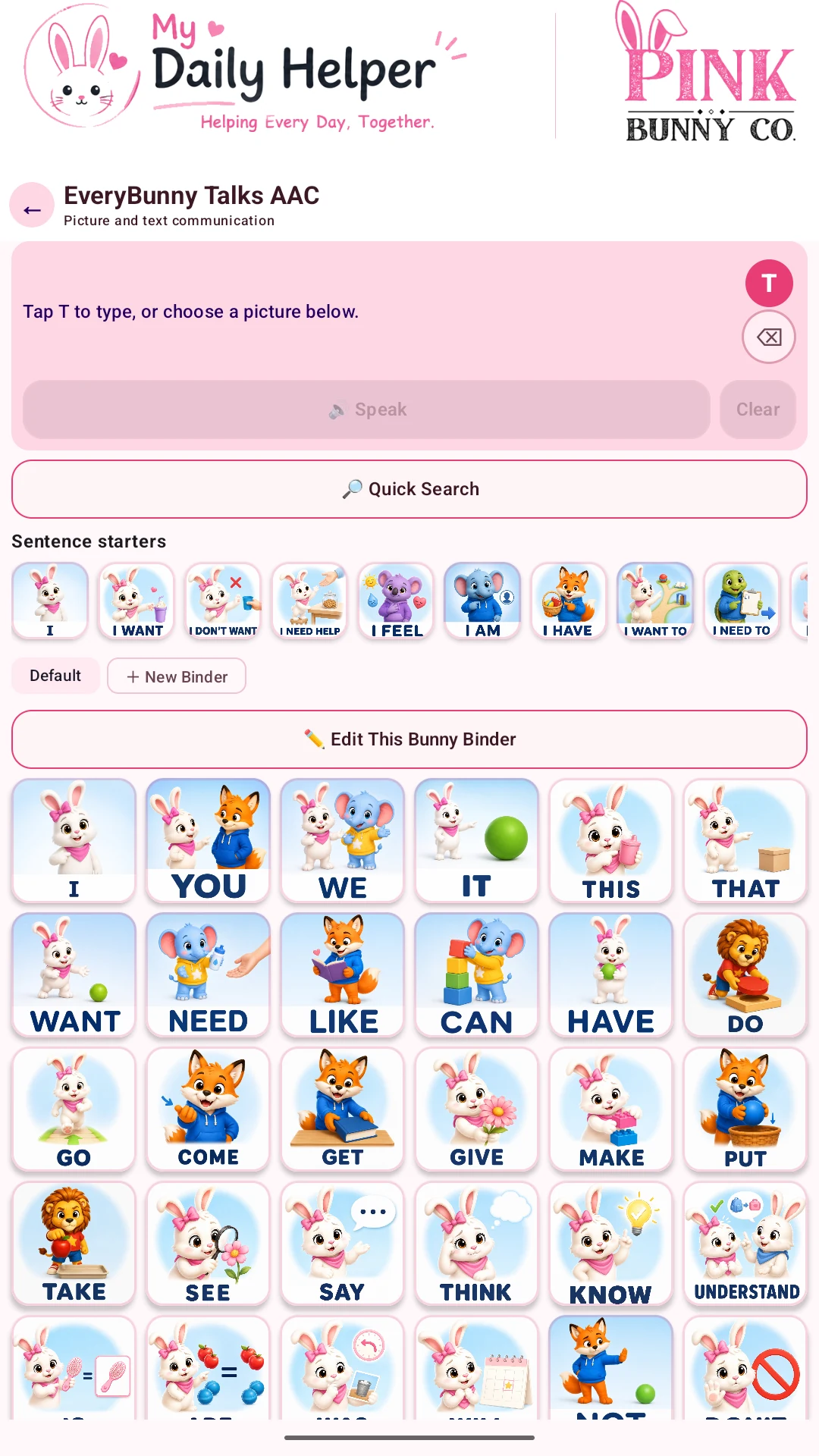 EveryBunny Talks AACPicture cards, words, and familiar Bunny Binders for communication.
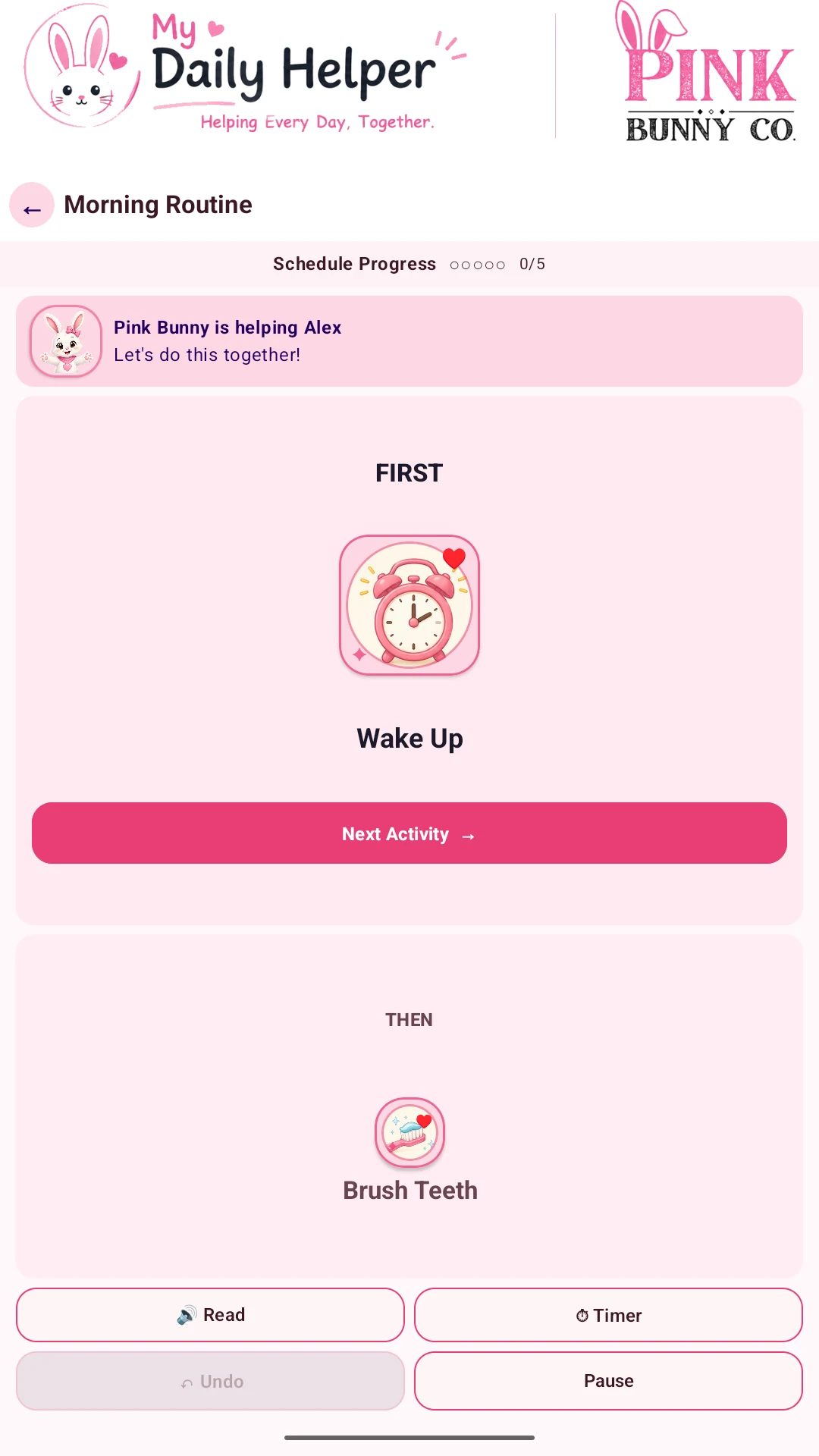 One step at a timeFollow a visual routine with First/Then activities.
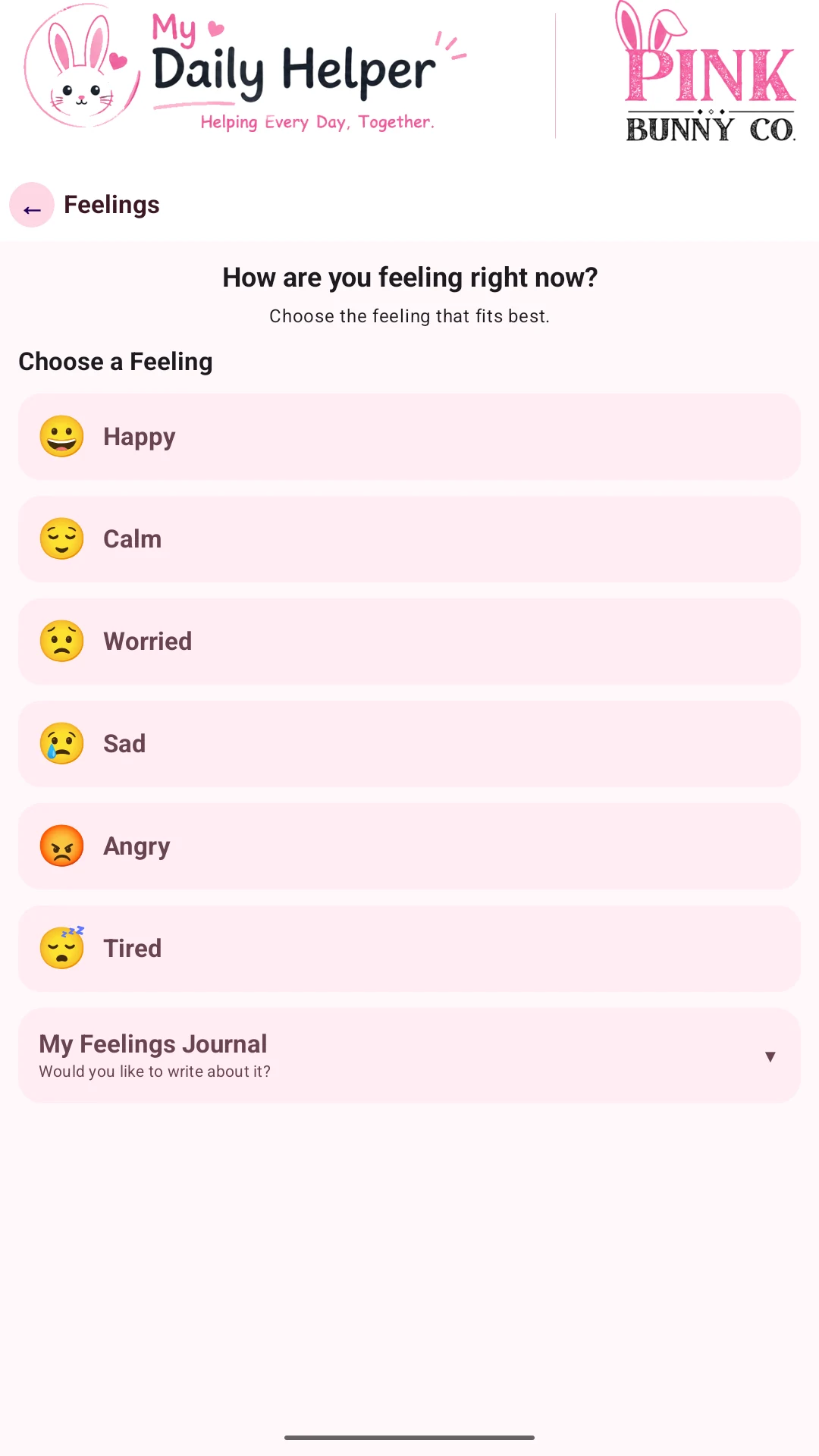 Make room for feelingsChoose a feeling and find a way to express it.
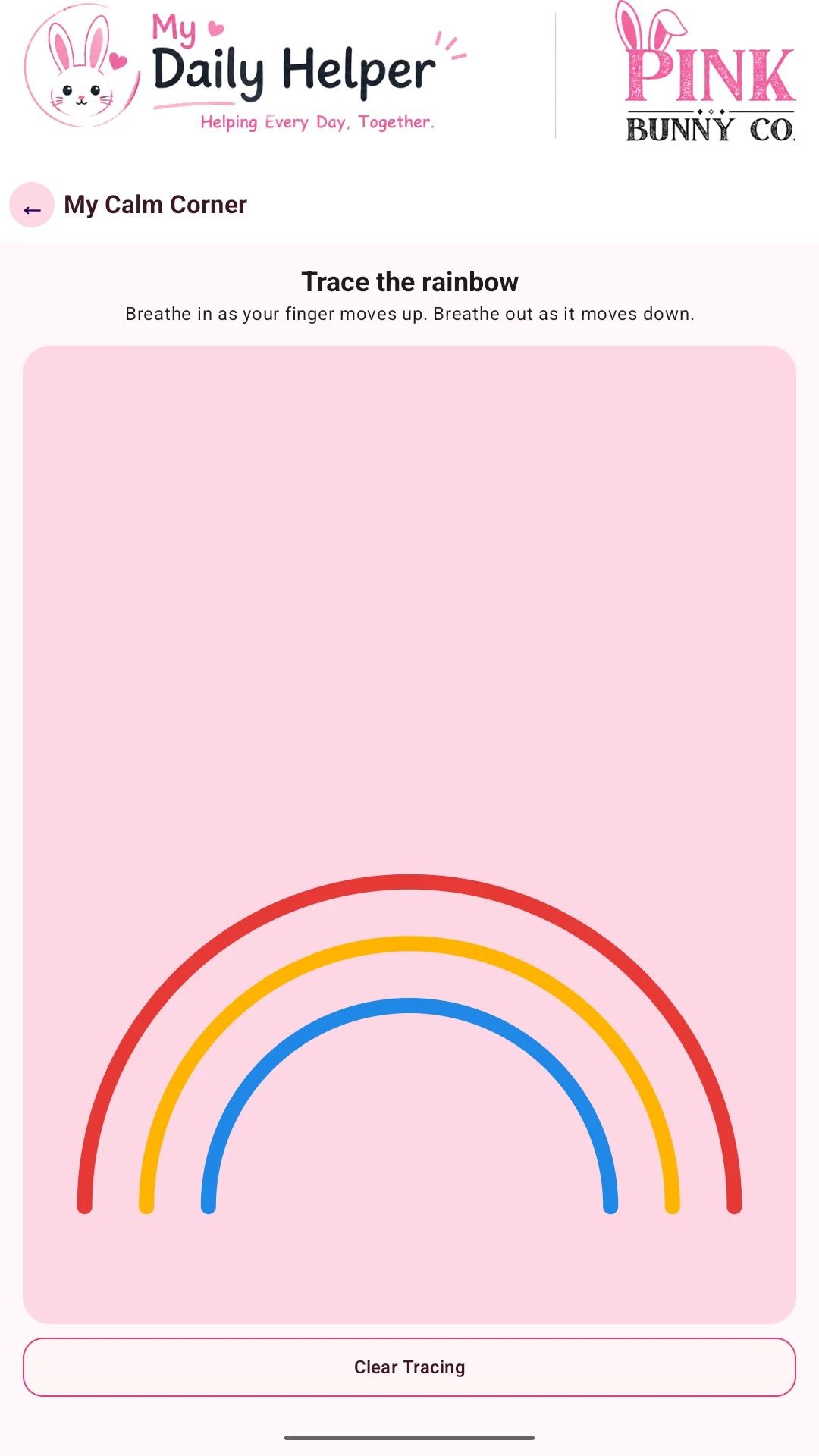 A moment to breatheTrace the rainbow during a calming breathing activity.
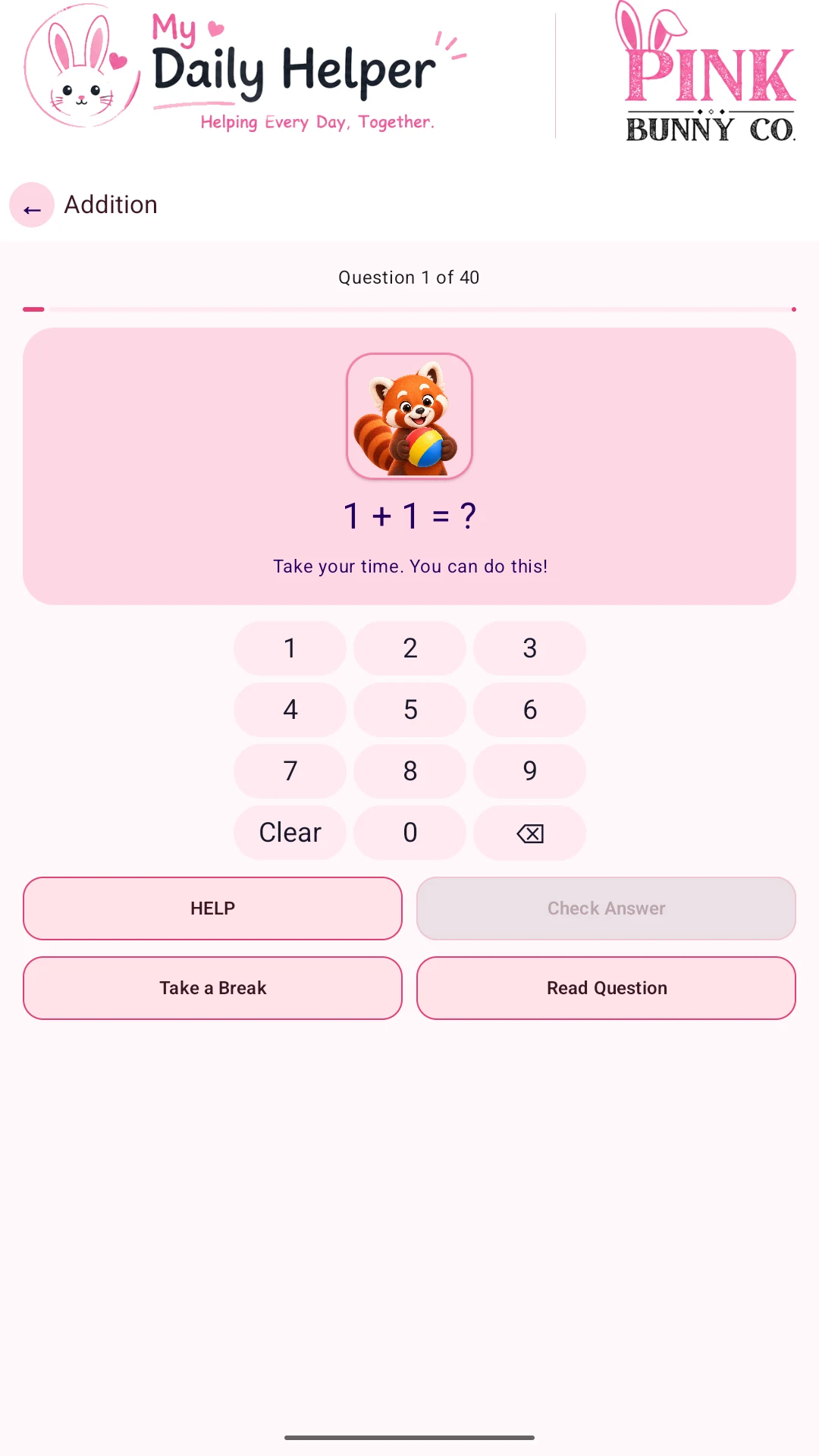 Learn with encouragementPractice math with an on-screen number pad and Daily Helper Friends.
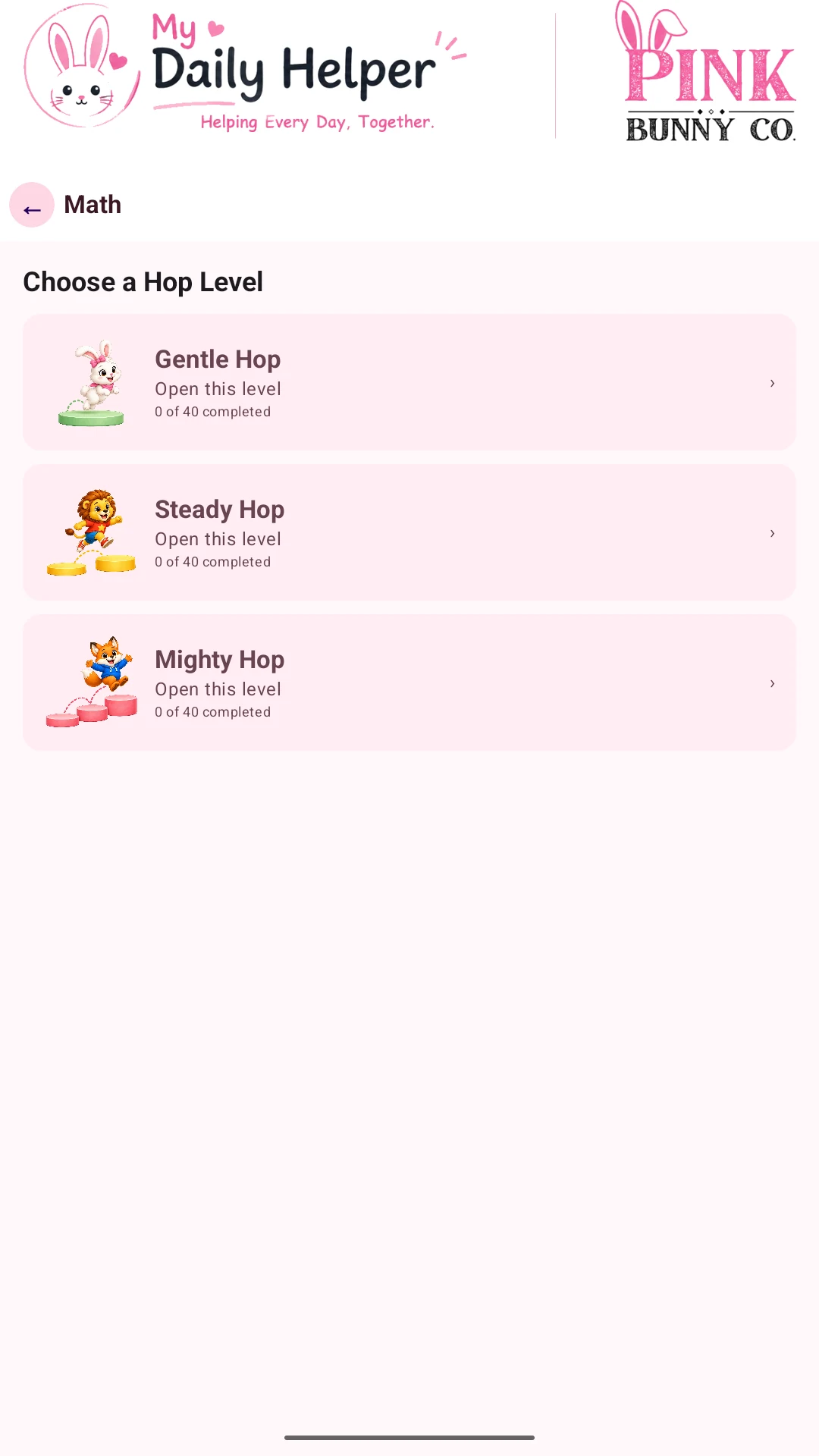 Choose a Hop LevelGentle Hop, Steady Hop, and Mighty Hop offer different amounts of challenge.
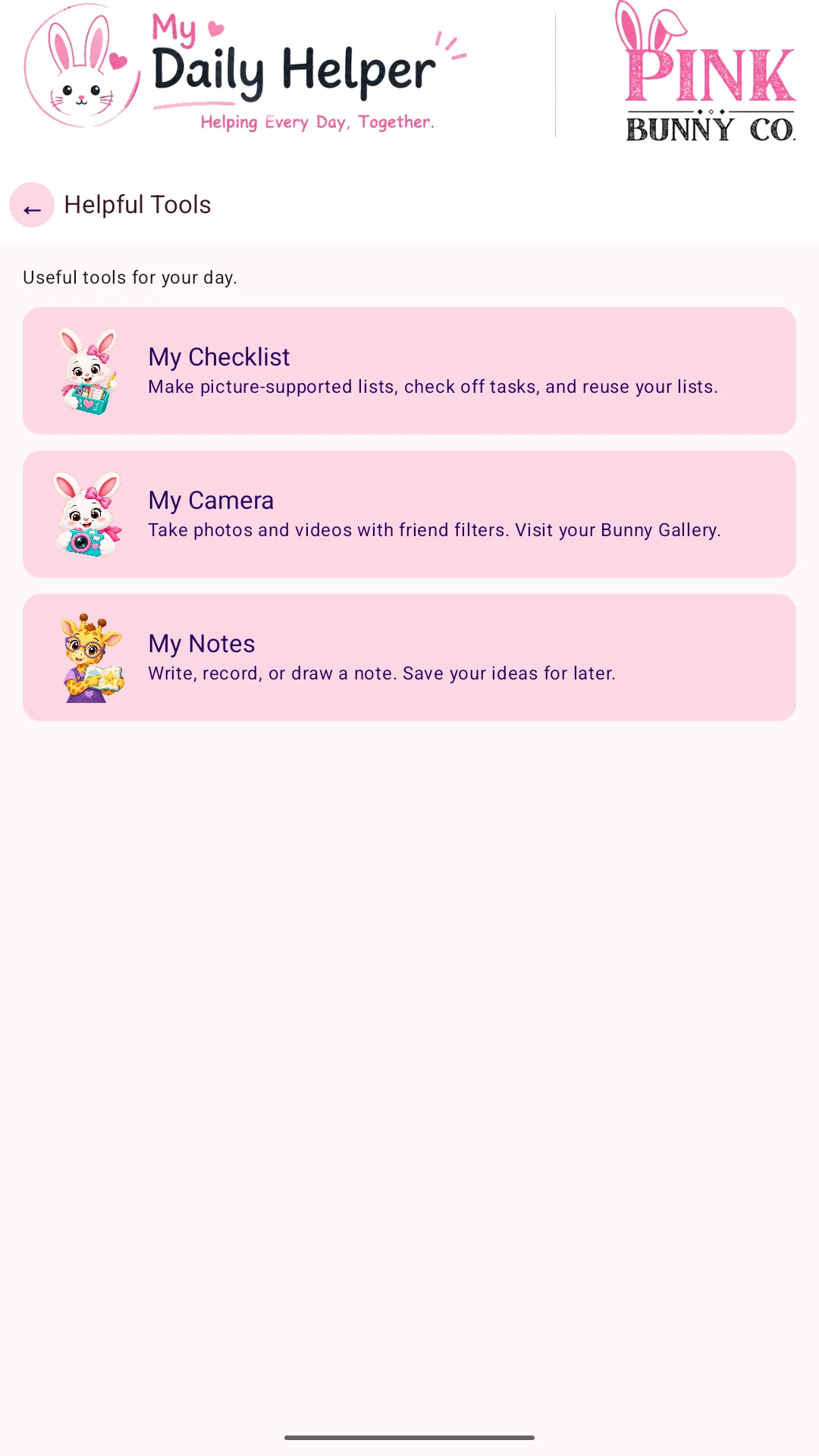 Useful everyday toolsFind My Checklist, My Camera, and My Notes in one place.
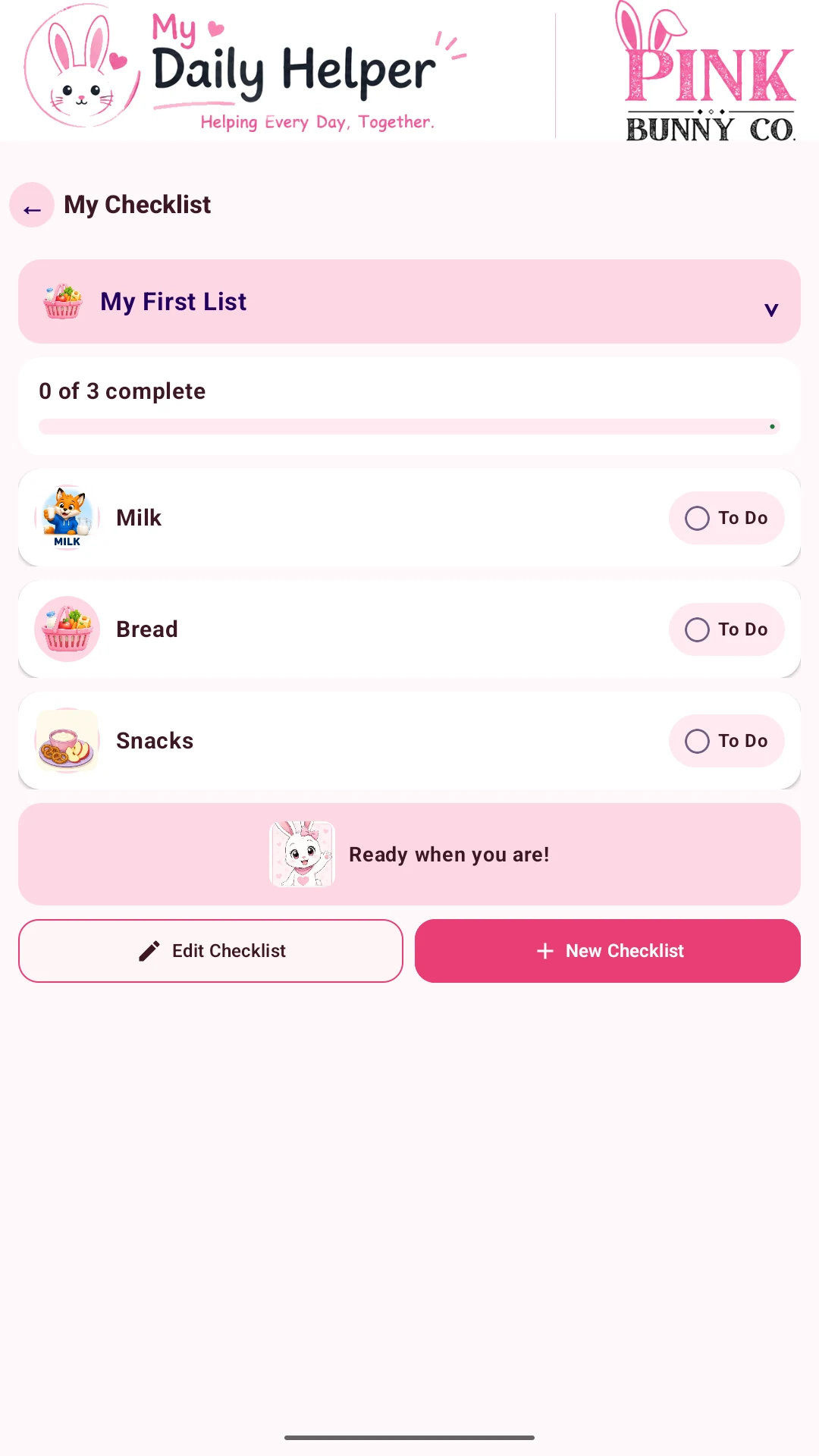 Small steps, useful listsCheck off shopping items, tasks, and other everyday lists.
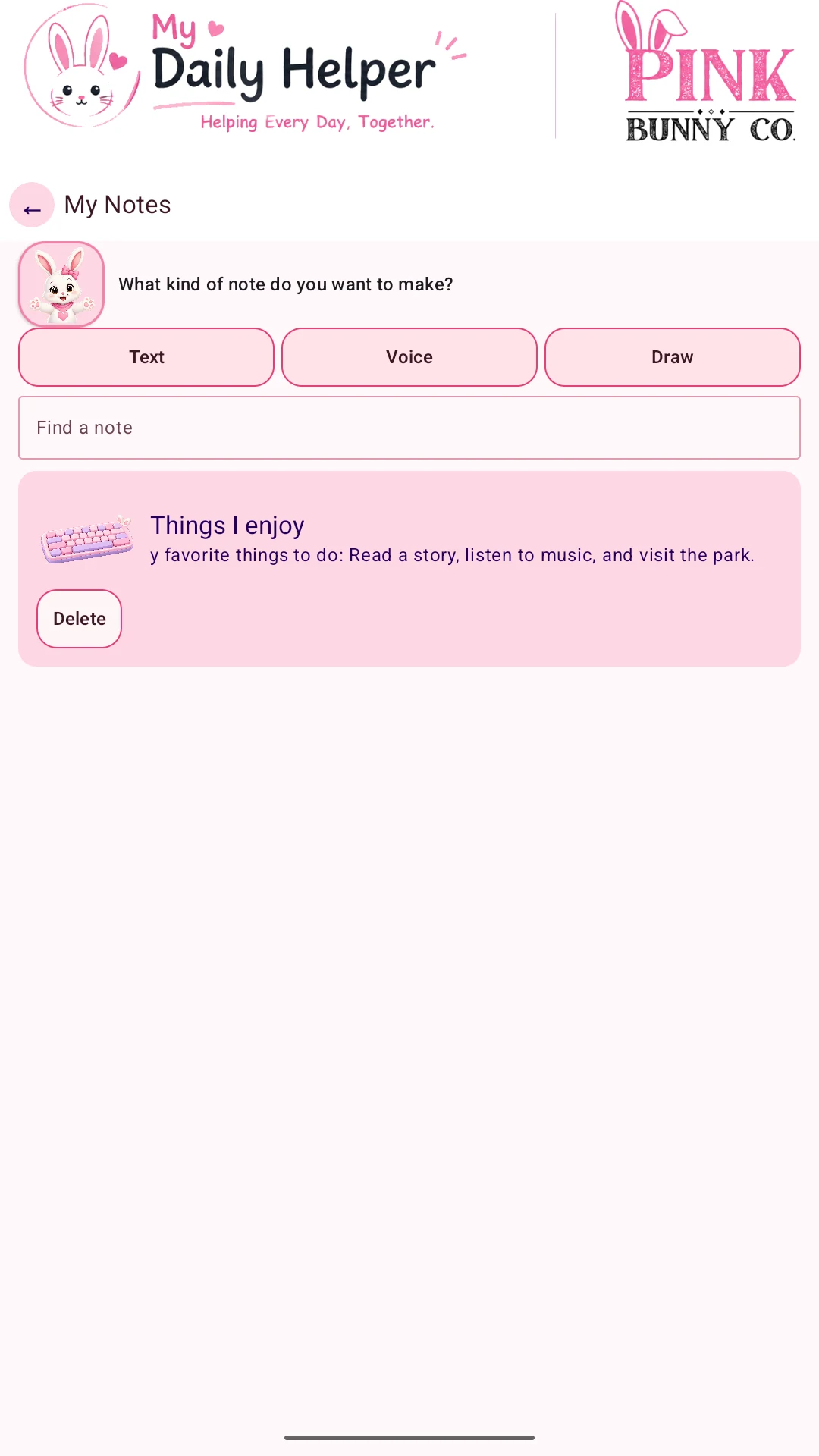 Keep an idea closeCreate text, voice, or drawing notes and find them again.
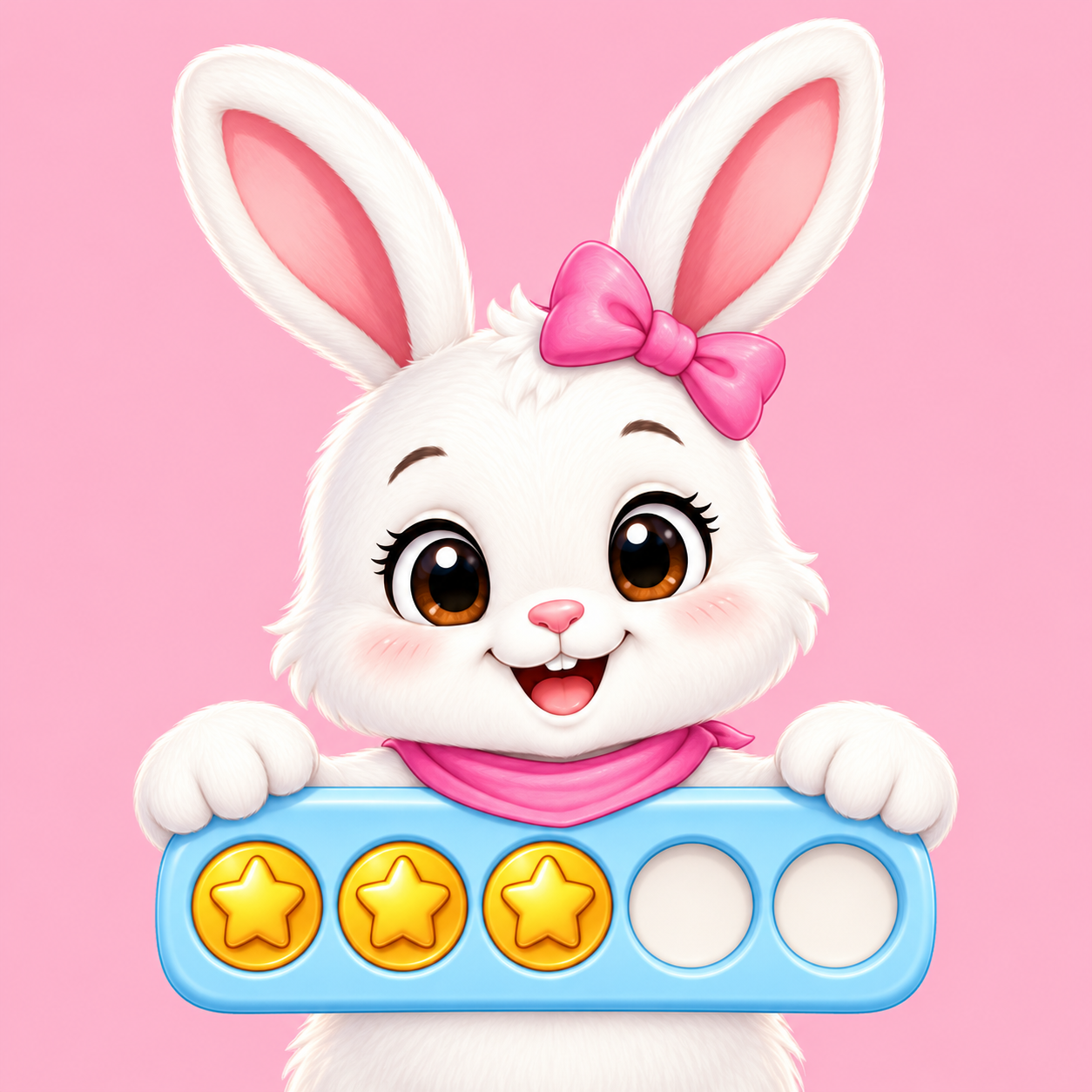 My Token BoardBuild a board, collect tokens, and celebrate progress.Google PlayComing SoonView details
 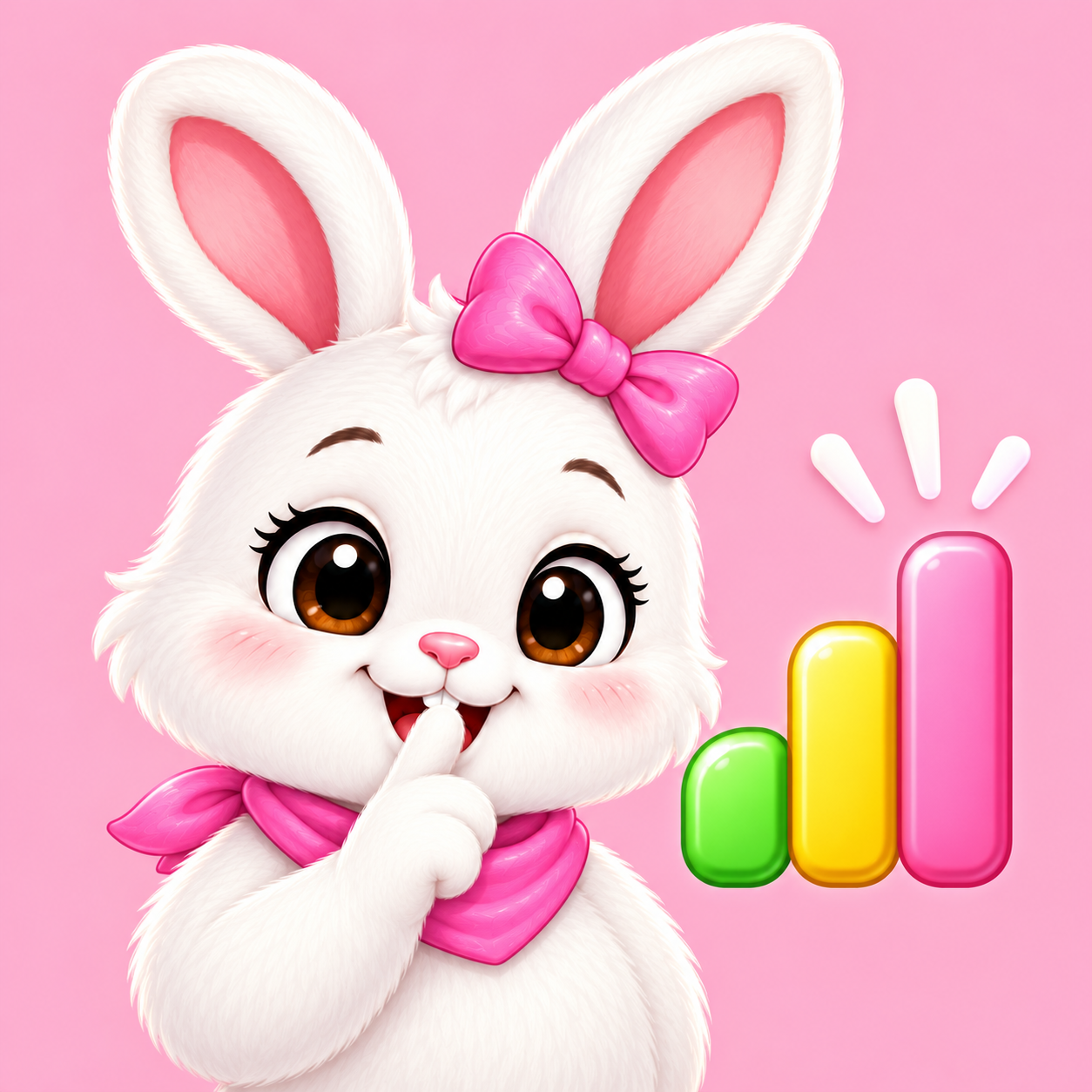 My Volume LevelA simple room loudness display with personalized reminders.Google PlayComing SoonView details